Deploy a scheduled Python service in GCP.

Scheduler with Python Service Blueprint

This blueprint includes a scheduled Python service, recurring task runner, Gateway, and NeonDB database for building automated backend workflows that run continuously in GCP.

Deploy This Blueprint

About the Scheduler with Python Service Blueprint

This blueprint provides a working scheduled Python service that automatically performs tasks at regular intervals. The included example checks the current Bitcoin price, stores each reading in a NeonDB database, and exposes an API endpoint for retrieving historical data.

Use this blueprint as:

  • A scheduled data collection project
  • A starting point for recurring backend tasks
  • A foundation for time-series applications
  • A template for automation services
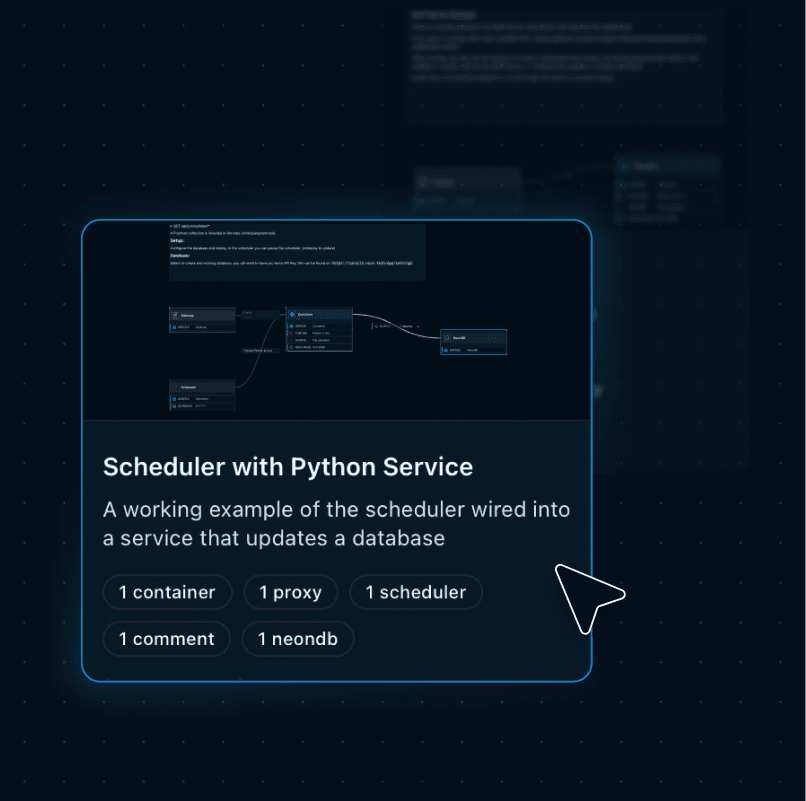
Scheduler with Python Service blueprint
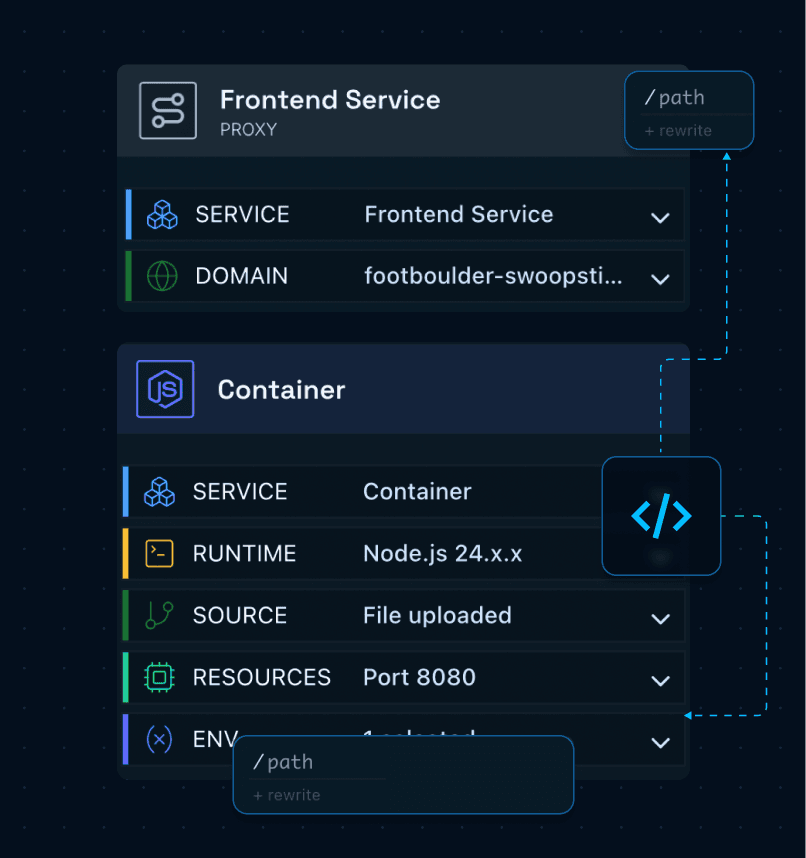
Gateway and container graph

How the Graph Works

This blueprint contains a Gateway, Scheduler, Python container, and NeonDB database that are already connected and configured, giving you a complete scheduled backend architecture that can be customized for your own services and workflows. All components are deployed into a GCP solution with Shoal handling the cloud configuration and service wiring.

Gateway

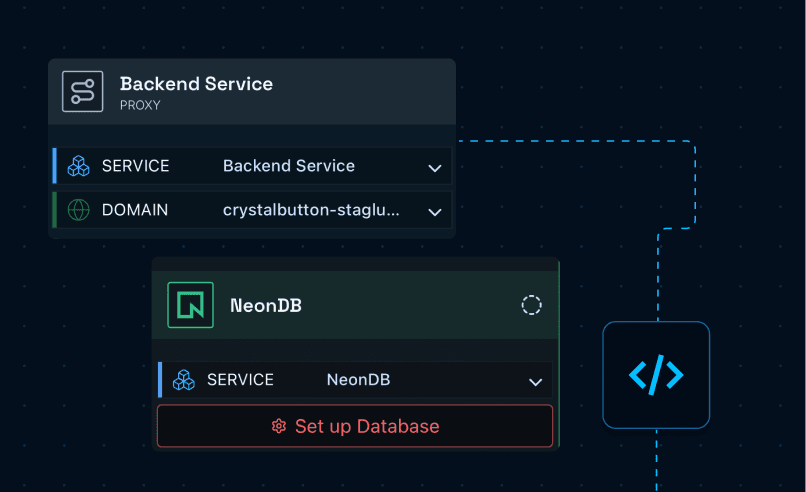
Receives incoming requests and exposes your service through a secure public endpoint. It routes traffic to the container and provides access to your application.

Container

Runs the Python service and hosts your scheduled tasks and application logic. Start with the included example or replace it with your own Python workflows.

Scheduler

Triggers the Python service automatically at defined intervals. Start with the included schedule or update it to match your own recurring workflows.

NeonDB

Stores the data generated by your scheduled service over time. Start with the included example or store your own application data for later retrieval.

Backend gateway and NeonDB graph

What You Can Build with This Blueprint

Use the Scheduler with Python Service blueprint to build applications that automatically perform work on a schedule, collect data, or run recurring backend processes.

Scheduled Data Collection

Scheduled Data Collection

Collect external data automatically and store historical records.

Monitoring Services

Monitoring Services

Monitor systems, APIs, and websites on a recurring schedule.

Reporting & Analytics

Reporting & Analytics

Generate recurring reports from collected application data.

Background Automation

Background Automation

Run recurring backend tasks without manual intervention.

IoT & Sensor Logging

IoT & Sensor Logging

Collect and store IoT and sensor data and build historical datasets.

Scheduled Backend Services

Scheduled Backend Services

Automate recurring backend processes with scheduled Python.

Using This MCP Blueprint

Move from code to a running backend with a visual setup flow that keeps services, connections, and deployment easier to manage.

1

Create a New Project

Create a new project in Shoal to get started.

2

Browse Blueprints

Open your environment and select Browse Blueprints to view available deployment templates.

3

Select the Blueprint

Choose the Scheduler with Python Service blueprint to automatically generate the required components and connections.

4

Configure the Database

Click Configure and select an existing database or create a new one. The DATABASE_URL environment variable will be automatically populated at container build.

5

Customize the Python Service

Modify the included Python example, update the schedule, or replace it with your own recurring application logic.

6

Deploy

Click Deploy and let Shoal handle the cloud configuration, networking, and service wiring.

7

Access Your Data

Once deployment is complete, the scheduler begins running automatically and your application starts building a historical dataset that can be accessed through the included API.

After Deployment

Once deployed, Shoal automatically starts the scheduler and provisions a live API endpoint for accessing your application.

You can immediately use the included Bitcoin price tracker or replace it with your own scheduled Python service while keeping the same deployment architecture.

Scheduled Python service connected to the NeonDB database

Related Blueprints

Move from code to a running backend with a visual setup flow that keeps services, connections, and deployment easier to manage.

Ready to Deploy Your Scheduled Service?

Start with a working blueprint, replace the included Python example with your own recurring tasks, and deploy an automated backend service without manually configuring Google Cloud infrastructure.

Deploy This Blueprint