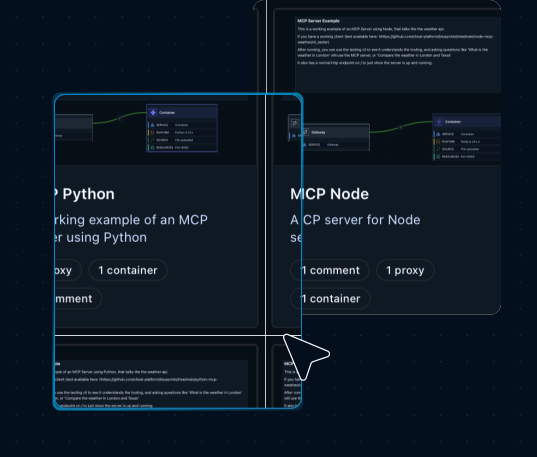
This blueprint includes a preconfigured MCP server, container (available in Python, Node or Golang), and
gateway connection so you can deploy a secure, scalable MCP endpoint, hosted in GCP, in minutes.
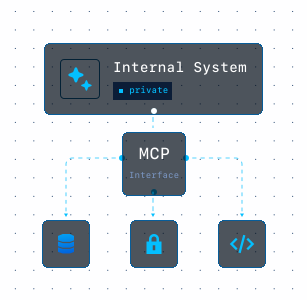
This blueprint provides a working MCP server implementation. The server exposes tools through the Model Context Protocol and includes a sample weather tool for testing MCP workflows.
After deployment, MCP clients can connect to the server and invoke available tools through the exposed endpoint.
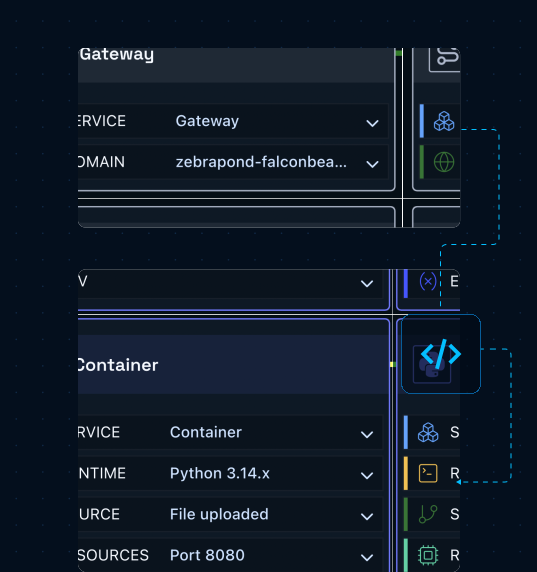
This blueprint combines a gateway and a container that are already connected and configured, giving you a ready-to-deploy architecture that can be customized for your own tools and workflows. All components are deployed into a GCP solution with Shoal taking care of all the wiring and configuration.
Receives incoming requests and exposes your MCP server through a secure public endpoint. It handles routing traffic to the container and provides the URL used by MCP-compatible clients.
Runs the MCP server and hosts your MCP tools and business logic. Available in Python, Node.js, or Golang. Start with the included example or replace it with your own MCP server code.
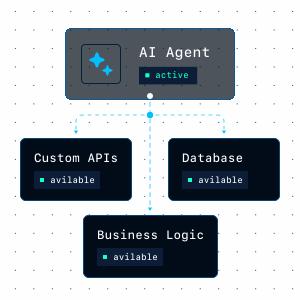
Use the MCP Server blueprint to build AI-powered applications, connect existing systems,
or create custom MCP tools that can be accessed by agents and MCP-compatible clients.
Move from code to a running backend with a visual setup flow that keeps
services, connections, and deployment easier to manage.
Create a new project in Shoal to get started.
Open your environment and select Browse Blueprints to view available deployment templates.
Choose the MCP Server Blueprint to automatically generate the required components and connections.
Use the included weather example or replace it with your own MCP server code and tools.
Click Deploy and let Shoal handle the cloud configuration, networking, and service wiring.
Use the generated MCP endpoint to start making MCP requests.
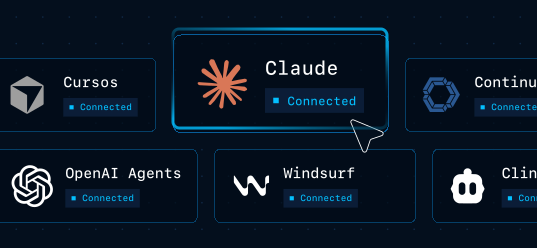
Once deployed, Shoal generates a live MCP endpoint that can be connected to Cursor, Claude Desktop, OpenAI Agents, and other MCP-compatible clients.
You can immediately test the included weather tool or upload your own MCP server implementation and redeploy.
Move from code to a running backend with a visual setup flow that keeps
services, connections, and deployment easier to manage.
Start with a working MCP server blueprint, replace the example tools with your own code,
and deploy a secure MCP endpoint without handling Google Cloud configuration manually.